
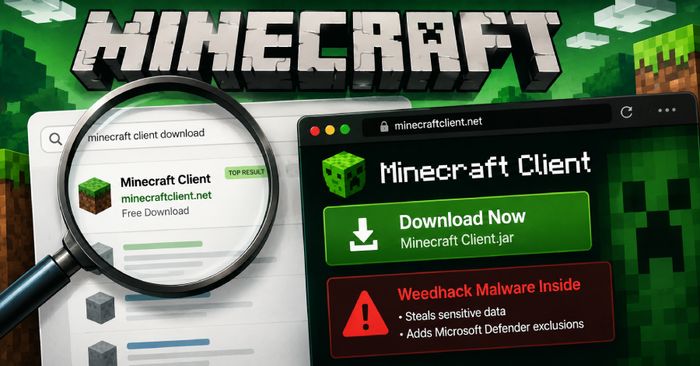
Researchers at McAfee Labs have identified a family of fake Minecraft client websites actively distributing malware called Weedhack to gamers. The campaign uses SEO poisoning — manipulating search engine rankings so that malicious sites appear above the real ones — meaning players who search for popular Minecraft mods like Nova Client, Xenon Client, Radium Client, or Meteor Client may land on lookalike sites before they ever find the official download pages. McAfee says it blocked more than 6,300 attempts to access these malicious domains, and found that the fake sites convincingly replicate the branding, feature lists, FAQs, and installation guides of the real projects — some even link to the genuine GitHub repositories to build trust. One of the fake sites was built using Lovable, an AI-powered website builder, showing how accessible tools now make it easy to spin up convincing malicious storefronts with little effort.
Once a player downloads and runs one of these fake clients, a multi-stage attack begins: the JAR-based payload collects system information, adds exclusions to Microsoft Defender to avoid detection, and steals sensitive data from the infected machine. Distribution doesn’t stop at the fake websites — links to the malicious files are also spread through Discord (accounting for nearly 50% of observed download links), MediaFire, GitHub repositories, and even legitimate Minecraft mod directories like Planet Minecart and EndMods.
How to check if you’re affected
Affected devices are any Windows or macOS computers on which you have downloaded Minecraft mods, clients, or tools from unofficial sources. Check your downloads folder and installed programs for any of the following fake client names: glazed-client, radium-client, kryptonclientcrack, xenoclient, xenonclient, nova-client, 22qq-client, cheatlib, or meteorclients. If you installed any of these from a site other than the official GitHub or Modrinth page, treat the device as potentially compromised and run a full security scan. Going forward, only download Minecraft mods from the official project pages (GitHub or Modrinth), and be suspicious of any installer that asks you to disable antivirus or security software before running.