
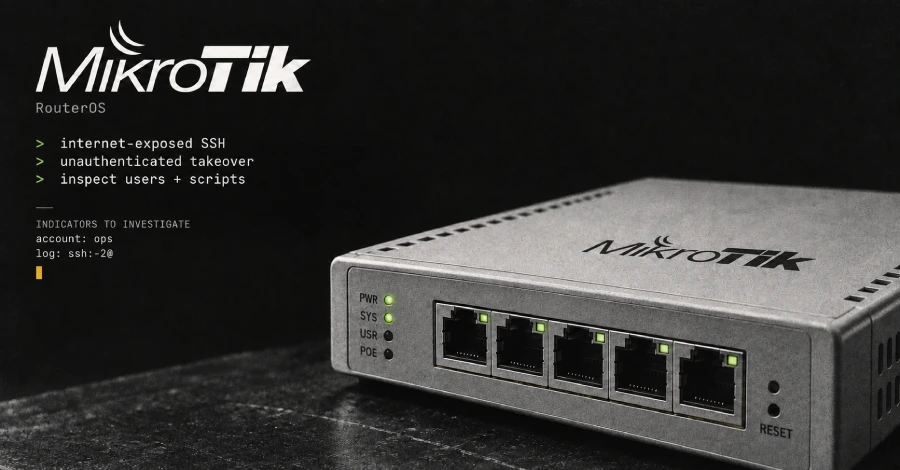
CERT Polska has disclosed six vulnerabilities in MikroTik’s RouterOS and is tracking active exploitation of two of them. The pair, which the team named MikroTrick, can be chained by an unauthenticated attacker to gain full administrative control of any MikroTik router whose SSH service is reachable from the internet. Attacks began on at least 2 September 2026, originating from the IP address 82.192.72.4, and CERT has confirmed that the available patches stop them.
The first vulnerability, CVE-2026-67276 (CVSS 9.2), is an SSH public-key authentication bypass: RouterOS did not compare the full RSA public key on file, so an attacker who knew only a username and the public modulus of that user’s key could forge a different key and log in with the same privileges as the targeted account. The second, CVE-2026-86060 (CVSS 9.2), is an SSH privilege escalation: a specially crafted username elevates the resulting session to full RouterOS admin. Chained together, the pair gives an outside attacker unauthenticated root-level access. MikroTik’s fixed releases are 7.25beta3, 7.24.2, 7.23.4, and 6.49.21. Home routers running RouterOS’s default firewall block public access to SSH by default, so users who have never opened management ports are not directly at risk — but business and ISP-deployed devices with reachable SSH are actively targeted.
How to check if you’re affected
Affected devices are any MikroTik router running RouterOS versions before 7.24.2 (stable), 7.23.4 (long-term), or 6.49.21 (legacy) with SSH reachable from public IP addresses. After updating, run /system/device-mode/print to check for a “Flagged” marker — RouterOS writes this at startup when it detects known signs of compromise and disables the suspicious entries. The absence of the marker does not rule out compromise; also inspect the log for entries containing ssh:-2@ and check for an unexpected user named ops with high privileges, or unknown scripts, scheduler tasks, proxy servers, and tunnels added to the configuration. If compromise is confirmed, isolate the device, preserve logs and configuration, restore factory settings from a trusted baseline, and rotate all credentials.