
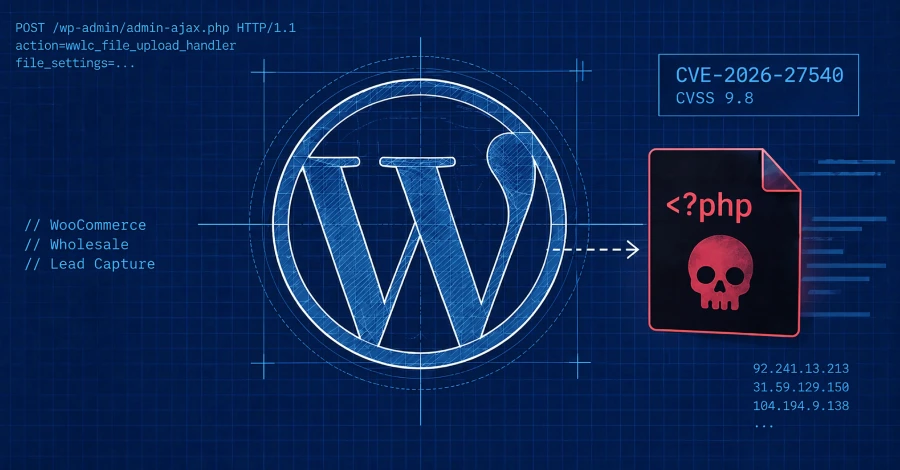
Attackers are actively targeting a critical vulnerability in WooCommerce Wholesale Lead Capture, a premium WordPress plugin with roughly 6,000 active installs. The flaw, CVE-2026-27540 (CVSS 9.8), requires no login: an unauthenticated attacker can send a crafted request to the plugin’s file-upload handler and drop an arbitrary PHP file directly onto the server. In the attacks observed by Wordfence, threat actors upload a web shell named “shell.php” that reports server details and provides a browser-based interface for writing additional malicious files. Wordfence has blocked more than 100,000 exploit attempts targeting this flaw since June 2026, with dozens more recorded in the past 24 hours alone.
The root cause is missing file-type validation in the wwlc_file_upload_handler AJAX action — the plugin accepts any file, not just the document types it was designed for. Once a shell is in place, the attacker controls the server at PHP process level: they can read configuration files, exfiltrate database credentials, install persistent backdoors, or redirect visitors to malicious sites. The plugin’s developer has released an update; any site still running version 2.0.3.1 or earlier should update immediately. Separately, Wordfence also disclosed two critical unauthenticated RCE chains in The Events Calendar plugin — CVE-2026-78159 and CVE-2026-78006 (both CVSS 9.8) — which allow site takeover on installations with comments enabled on event pages. Patched versions are 6.17.3.1 and 6.17.4.1, respectively.
How to check if you’re affected
Affected products include any WordPress site running WooCommerce Wholesale Lead Capture versions 2.0.3.1 or earlier. In your WordPress dashboard, go to Plugins → Installed Plugins and look for “WooCommerce Wholesale Lead Capture.” If the version shown is 2.0.3.1 or lower, update to the latest version immediately. Also check your site’s wp-content/uploads/ directory for unexpected .php files, and review server logs for POST requests to /wp-admin/admin-ajax.php with action=wwlc_file_upload_handler — a sign of a successful or attempted upload. If you run The Events Calendar, update to version 6.17.4.1 or later to close the separate RCE chains.
Sources
- The Hacker News: Attackers Exploit WooCommerce Wholesale Lead Capture Flaw to Plant PHP Web Shells
- Wordfence security advisory (original researcher disclosure)
- CVE-2026-27540 at NVD