
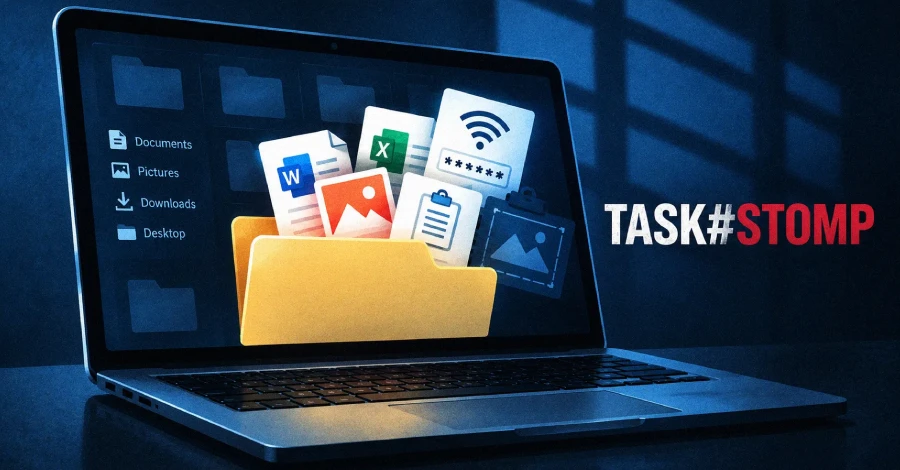
Securonix researchers Akshay Gaikwad and Aaron Beardslee have disclosed a campaign they call TASK#STOMP that uses native Windows components — VBScript, PowerShell, scheduled tasks, and .NET — to install a stealthy backdoor while leaving minimal forensic traces. The infection begins when Windows Script Host (wscript.exe) executes a randomly named VBScript file (such as 95c9050t66.vbs) that appears on the victim’s desktop. The exact delivery method is unconfirmed but is likely phishing or social engineering. That VBScript orchestrates four scheduled tasks with names designed to blend in with Windows: “Local Credential Manager,” “Network Audio Service,” “Windows Display Manager,” and “Device Credential Handler.” A backup startup persistence method launches an additional script (msdiag.vbs) on every login. The malware also timestomps its own files to complicate forensic timelines and performs cleanup after installation.
Once installed, the backdoor runs two parallel PowerShell components that act as mutual watchdogs — if either is killed, the other restarts it. Both communicate with the same command-and-control infrastructure (corecloudfileshare[.]xyz or attachmentsharingdrive[.]xyz) using token-authenticated sessions. The backdoor continuously monitors the filesystem for new documents, collects Wi-Fi passwords and clipboard contents, captures screenshots of all monitors, and accepts arbitrary remote commands. Notably, during setup the malware opens irantenders[.]com — an Iranian government tender database — in a maximized Chrome window, though researchers say the purpose of this action is not yet understood. A batch file (purge.bat) runs at the end to erase setup traces; its full contents have not been recovered.
How to check if you’re affected
Affected devices are Windows systems that may have executed an unexpected VBScript file or show unfamiliar scheduled tasks. To check:
- Open Task Scheduler (
taskschd.msc) and look for tasks named Local Credential Manager, Network Audio Service, Windows Display Manager, or Device Credential Handler — these names mimic legitimate Windows services but are planted by the malware. - Look for unexpected
.vbsor.ps1files in%APPDATA%,%TEMP%, or the user’s desktop (%USERPROFILE%\Desktop). - Check the Windows Startup folder (
shell:startup) for a file namedmsdiag.vbs. - Block or monitor outbound DNS/HTTPS to
corecloudfileshare[.]xyzandattachmentsharingdrive[.]xyzat the network perimeter.