
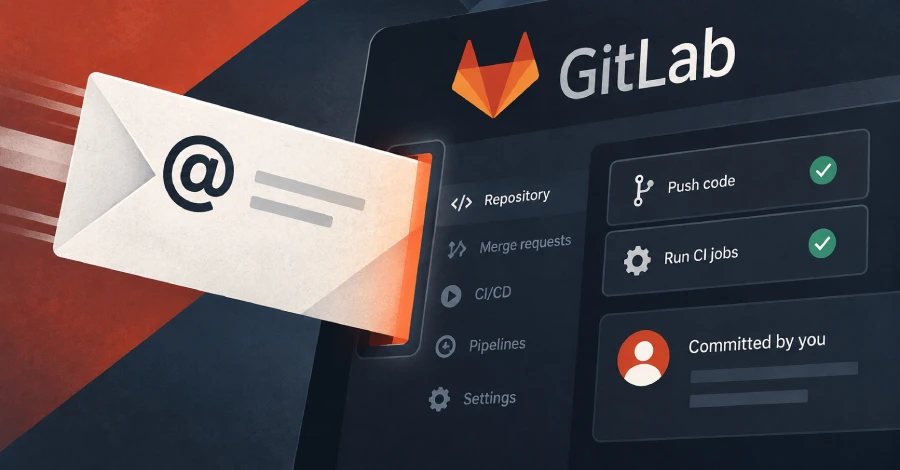
GitLab gives every user a hidden email address for filing issues by email — visible behind a button labeled “Email work item to this project.” Aikido Security has shown that this address is far more powerful than its label suggests: the token embedded in the address never expires, is shared across all projects the account can access, and is not checked for sender identity. Anyone who obtains the address can email a patch that GitLab commits to any branch the account can push to — including main — authored as the account owner, without ever logging in, and without triggering IP allowlist enforcement or two-factor authentication checks. GitLab explicitly documents both exceptions in its help pages.
The attack is straightforward. Change the address suffix from -issue to -merge-request, attach a patch to the email, and put the target branch in the subject line. GitLab applies the patch as a commit from the account owner and creates the branch if it does not exist. If the patch modifies .gitlab-ci.yml and the account’s role permits it, GitLab runs the attacker’s CI/CD job under the victim’s credentials — opening access to secrets, build artifacts, and deployment pipelines. Aikido found roughly a dozen live addresses published in READMEs and contributing guides of public repositories, including several widely-used open-source projects. GitLab’s position, relayed by Aikido, is that this is a credential like any other and that leaked credentials lead to bad outcomes; the behavior is classified as intended. GitLab updated the description of the token after the report but did not change the underlying behavior or add an expiry.
How to check if you’re affected
Affected products include all GitLab.com accounts and any self-managed GitLab instance with incoming email enabled — this is the default configuration on GitLab.com. To limit exposure: navigate to your GitLab profile → Personal Access Tokens (or the Preferences page, depending on version) and rotate your incoming email token; the rotation invalidates every project address at once. Also search your own public READMEs, contributing guides, and support pages for the phrase @incoming.gitlab.com or @gitlab.com followed by + — any match is a live address that should be rotated now. Self-managed administrators can disable the incoming email feature instance-wide if the feature is not needed.