
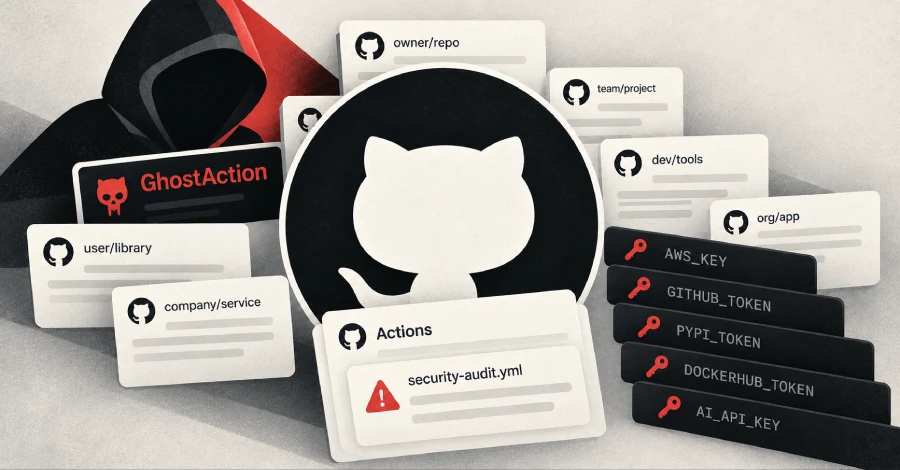
GitGuardian reports that the GhostAction supply chain campaign surged on October 8 and 9, 2026, targeting more than 30,000 repositories across 3,000 users and organizations. The attackers compromised about 1,900 GitHub accounts and tried to extract 3,174 secrets from public repositories’ CI, according to researchers Gaetan Ferry and Guillaume Valadon.
GhostAction was first seen in September 2025. Attackers take over a legitimate developer account, using stolen personal access tokens or credentials from infostealer logs, and push a malicious GitHub Actions workflow with a harmless-sounding name such as security-audit.yml or github_actions_security.yml. The workflow steals CI/CD secrets, cloud credentials, package registry tokens (npm, PyPI, DockerHub) and AI provider API keys. A new wave has run since August 31, and GitGuardian calls it more experimental and manual than earlier ones. Its payload gained a git-history secret scanner covering AWS key IDs, GitHub and GitLab tokens, AI-related secrets and cloud API keys. It was deployed first to 160 earlier victims, then 20 minutes later to 28,000 new repositories. Further waves on October 10 and 12 extracted nothing, because GitHub began blocking the malicious workflow from running on October 9. Some victims were hit in earlier waves too, which GitGuardian takes as a sign the attackers are counting on secrets that were never rotated.
How to check if you’re affected
Affected products are GitHub accounts and repositories that use GitHub Actions, particularly accounts whose personal access tokens may have leaked or appeared in infostealer logs.
- Look in
.github/workflows/for workflow files you did not add, especiallysecurity-audit.ymlorgithub_actions_security.yml, and review recent commits to workflows from your account or your maintainers. - If one is present, treat every secret reachable from that repository’s CI as exposed and rotate it: cloud keys, package registry tokens, AI API keys and personal access tokens.
- Rotate and scope down personal access tokens, and review which accounts have write access to your repositories.
- Because the git-history scan targets old secrets, a key removed from the current code but still in history can be found. Rotate it rather than assuming it is gone.